Choosing Dental Equipment for a New BC Practice: A Practical Checklist
Equipping a new dental practice is one of the largest capital decisions you will make as a practice owner. The choices you make in the equipment selection phase directly affect your clinic layout, your operating costs, the range of procedures you can offer, and how efficiently your team works day to day. This checklist is designed for dentists in British Columbia who are equipping a startup practice or undertaking a full equipment refresh, covering the core categories in the order most useful for procurement planning.
Operatory Essentials: Chairs, Delivery Units, and Lighting
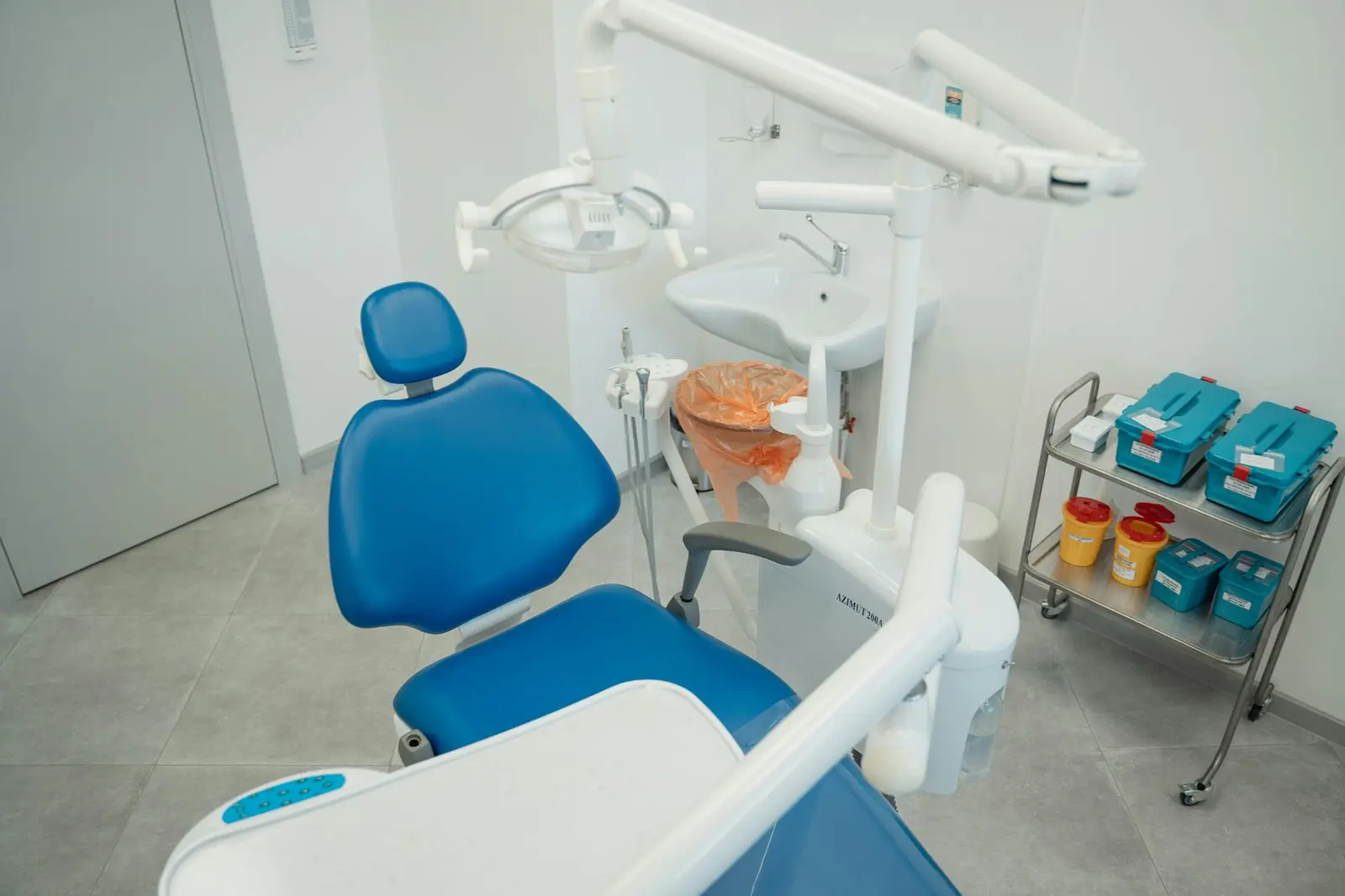
The dental chair and delivery unit combination is the functional center of every operatory, and it deserves careful evaluation beyond brand preference. Key considerations:
- Chair configuration - Standard vs. rear delivery, doctor-left vs. doctor-right, and over-the-patient vs. side delivery all affect ergonomics and assistant reach. Decide this before the cabinetry is ordered.
- Chair weight capacity and footprint - Modern chairs should accommodate a broad range of patient sizes. Check the footprint against your operatory dimensions and plumbing rough-in locations.
- Delivery unit plumbing - Floor mount, side mount, or rear delivery determines where your water and air lines rough in. This decision must be made before concrete is poured or walls are closed.
- Lights - LED lighting with chromatic balance (approximately 5,500K color temperature) reduces eye fatigue significantly over a full day. Check that the light arm reach is sufficient for the chair model.
- Assistant's unit - HVE, saliva ejector, air/water syringe, and curing light positioning should be considered alongside the main delivery unit, not after.
For a startup practice with 3 to 5 operatories, allow lead times of 12 to 20 weeks from order to delivery for chairs and delivery units. Order as soon as the operatory count and configuration are confirmed.
Sterilization and Infection Control Equipment
CDSBC Standards for Dental Practice set out specific requirements for instrument reprocessing, and your sterilization room equipment must be sized and configured to meet them. This is not an area to under-specify to save money.
- Autoclave (steam sterilizer) - Class B (vacuum-assisted) autoclaves are required for hollow instruments and wrapped loads in most contemporary infection control frameworks. Size the chamber to your anticipated instrument volume, not just today's volume.
- Ultrasonic cleaner - Required step before sterilization for manual pre-cleaning of instruments. Size and cycle time matter for workflow efficiency.
- Instrument washer/disinfector - Not universally required, but reduces manual handling of contaminated instruments and is increasingly standard in new builds.
- Biological indicator incubator - Required for routine sterilization monitoring. A rapid-readout (1-hour) incubator lets you release a load the same day.
- Sealed storage - CDSBC standards require sterile instrument packaging to be stored in a clean, dry, enclosed area. Build this into your cabinetry specification.
Digital Imaging: Intraoral, Panoramic, and CBCT
Digital imaging has become standard practice in BC. The question for a new practice is not whether to go digital, but which modalities to invest in at startup versus later.
- Intraoral sensors or phosphor plate systems - Direct digital sensors (CMOS) provide immediate images and are preferred for high-volume practices. Phosphor plate systems have a lower upfront cost and work well in practices where simultaneous multi-operatory imaging is required. Both require an intraoral X-ray unit in each operatory.
- Panoramic unit - A panoramic is standard for most general practices. Modern units with cephalometric capability and optional CBCT mode allow you to start with a pano and expand imaging capability later without replacing the unit.
- CBCT - Cone beam CT provides 3D imaging for implant planning, endodontics, and orthodontics. Startup practices often defer CBCT until volume justifies it, using a panoramic unit that can be upgraded. Note that the radiation shielding requirement for CBCT is more substantial than for a standard panoramic - plan the room layout and shielding before construction.
- Intraoral camera - Inexpensive and high-return. Used for patient education, case acceptance, and documentation. Should be included in every operatory.
Compressors, Vacuum, and Handpieces
The mechanical room is invisible to patients but critical to daily operations. Equipment failures here shut down the whole practice.
- Air compressor - Size your compressor for the number of simultaneous users, not just operatory count. An oil-free compressor is required for dental use to prevent contamination of the air/water delivery. Specify a compressor with redundancy (dual-head or tandem units) to avoid a full shutdown on a single failure.
- Vacuum system - Wet-ring vs. dry-vacuum systems have different maintenance and utility requirements. Dry vacuum eliminates the amalgam separator requirement for the vacuum line (though amalgam separators are still required at the chair), reduces water use, and is preferred in new builds.
- Handpieces - Budget for 3 to 5 high-speed and 2 to 3 slow-speed handpieces per operatory to allow for sterilization cycles without workflow interruption. Electric handpieces have higher upfront cost but lower long-term maintenance cost than air-driven units.
CAD/CAM and Milling Technology
In-office milling (same-day crown workflows) has become a meaningful differentiator for many BC general practices. The decision to include CAD/CAM at startup versus adding it later involves both a capital cost and an operational commitment.
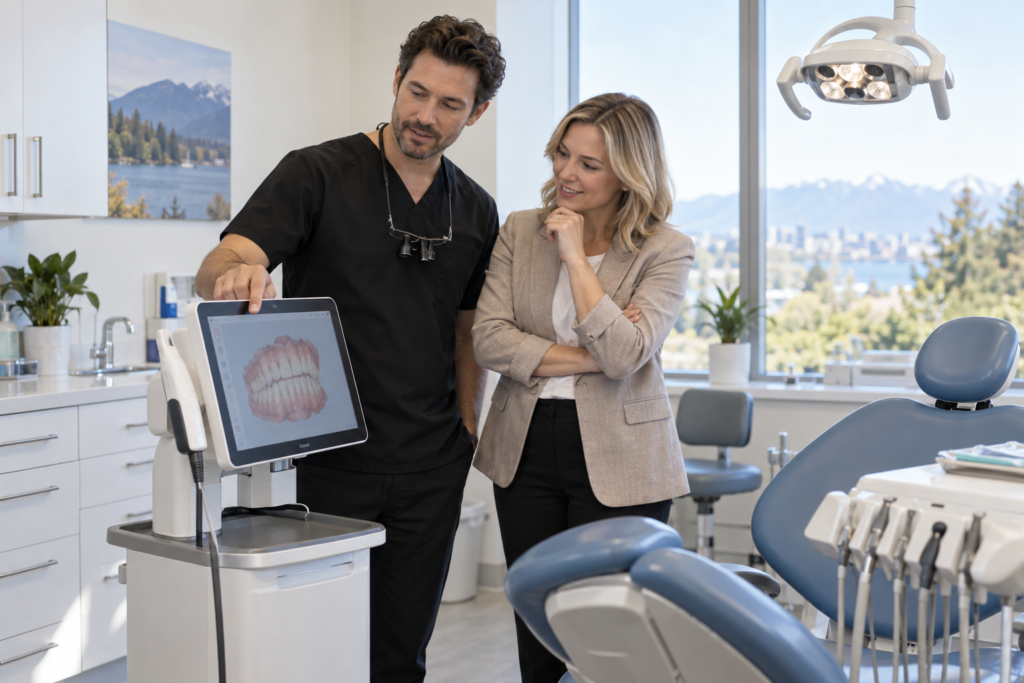
- Intraoral scanner - The entry point for a digital impression workflow, useful even without an in-office mill (scans can be sent to a lab). Evaluate accuracy (trueness and precision), ease of use, and open vs. closed systems.
- Milling unit - 5-axis dry mills can produce crowns, inlays, onlays, and veneers in a single visit. Consider how often you perform single-tooth restorations and whether your patient volume justifies the capital outlay and the staff time required to run the workflow.
- Staining and glazing oven - Required for milled restorations; adds modest cost and a small amount of counter space in the lab area.
Practice Management Software and Integration
Practice management software (PMS) is not dental equipment in the traditional sense, but it integrates with imaging, billing, and patient communication in ways that affect your hardware and network decisions.
- Confirm your PMS vendor's imaging integration before you order your X-ray equipment - not all imaging systems bridge cleanly to all PMS platforms.
- Plan your server or cloud storage architecture before opening. On-premise servers require physical space, backup power, and an IT maintenance contract. Cloud-based systems reduce hardware but require reliable, high-speed internet at the clinic.
- Verify that your PMS handles BC-specific billing (GPSC fee codes, MSP where applicable, patient billing in CAD) before committing to a system used primarily in other provinces.
Next Steps
Equipment procurement for a new practice is not a shopping exercise - it is a design and sequencing exercise. The decisions in this checklist interact with each other and with your construction timeline in ways that require coordination from the start. If you are equipping a new BC practice or planning a significant technology refresh, the Patterson Dental BC team works with practices across the province on exactly these decisions. Reach out to our BC team to talk through your specific operatory count, timeline, and budget.